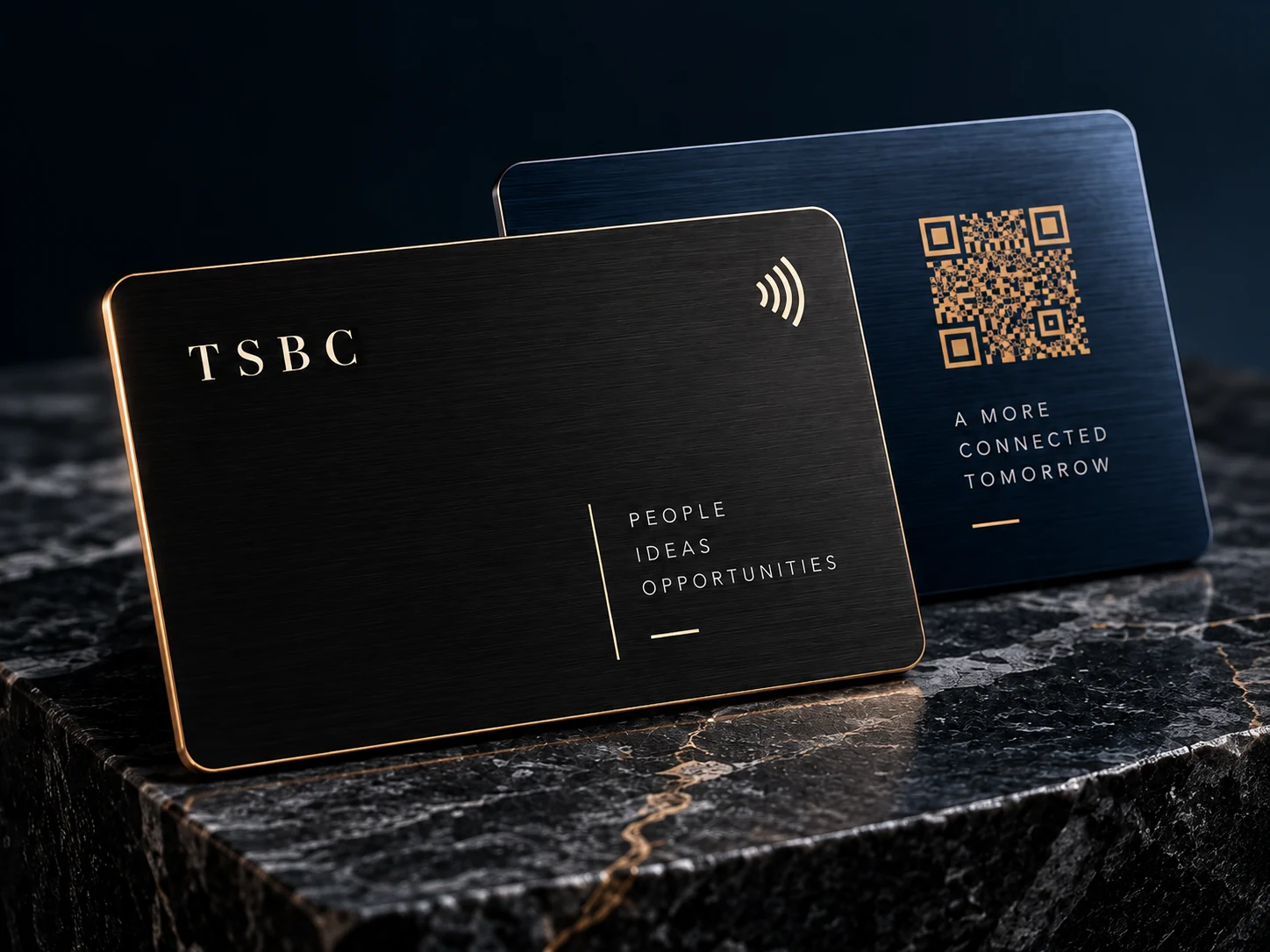
One tap. Instant connection.
Create your digital cardTap · QR · paper-card scan

Four ways to connect
Hold your NFC card near a compatible phone. Your published digital card opens in the browser, with no app for your guest.
Send your card link with your phone’s native share menu, a message, or email. You can also show your QR in person.
Let someone scan the QR for your published card with their phone’s camera. Your contact details and links stay together.
Photograph a paper business card, check the extracted details, and choose what to save to your connections.
The collection
A considered finish. A personal introduction. Explore physical cards that carry your identity into the room, with a digital profile you can keep up to date.
View the collectionCompare current finishes, specifications and prices in the shop.
Make it unmistakably yours
Give people a clear way to reach you. Bring your professional details, contact information and social profiles together in a design that feels like your business.
Review cards
Give customers a simple next step. A dedicated Review Card opens your TSBC review page and guides them to the review destination you have set up.
See review productsFor teams
Keep your business present in every introduction. Manage your team’s profiles, roles and physical cards from a shared workspace.
Explore TSBC for teamsYour next first impression
Start with your digital identity. Choose a physical card when you’re ready.